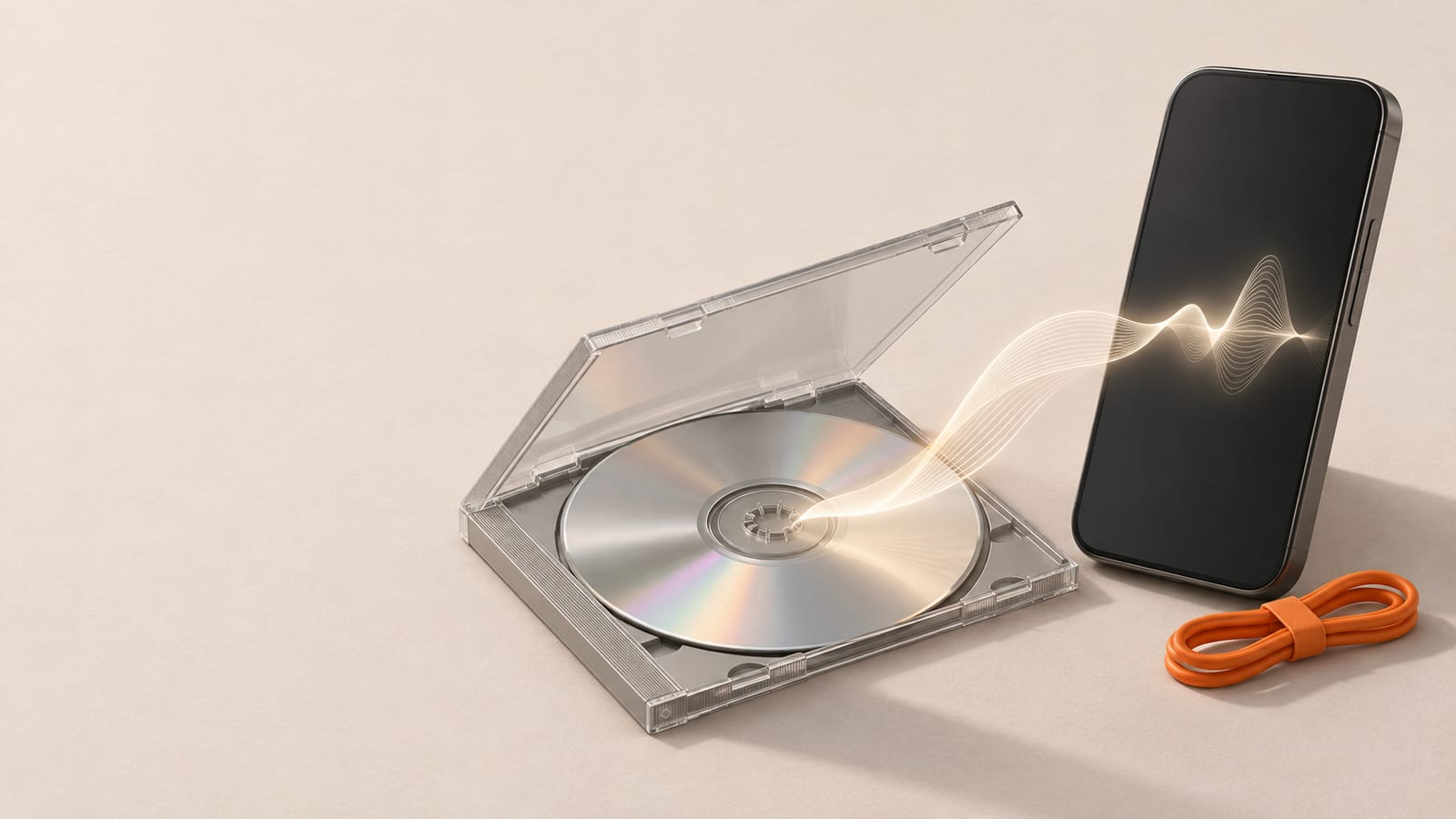
A WMA file usually will not play because the device has no decoder for it: Macs, iPhones, iPads, many web players and some car stereos never supported Windows Media Audio. The fix is to convert it to MP3, which plays almost everywhere. Two cases are different: WMA files with copy protection (DRM) cannot be converted at all, and WMA Lossless files deserve a high bitrate so little is lost.
Why a WMA file refuses to play
WMA (Windows Media Audio) is Microsoft's audio format from the late 1990s. It was the default when Windows Media Player ripped CDs, and many online music stores of that era sold WMA downloads. If your music library was built on a Windows PC around that time, a large part of it may be WMA without you ever choosing it.
The format is still fully supported on Windows, but outside Windows the picture is patchy:
| Device or app | WMA playback |
|---|---|
| Windows Media Player, Windows 10 and 11 | Yes, for unprotected files |
| Mac (Music, QuickTime) | No, not without extra software |
| iPhone and iPad | No |
| Android | Depends on the phone and the player app |
| Browsers and web audio players | Usually no |
| Car stereos and older MP3 players | Some models, often only basic WMA |
So the same file can play perfectly on an old laptop and fail on everything else. The file is not broken; the device simply does not read the format.
There are also several kinds of WMA hiding behind the same .wma extension:
- WMA (standard): the common lossy version, comparable in purpose to MP3.
- WMA Pro: a lossy variant for surround and high resolution audio. Many devices that play standard WMA do not play this one.
- WMA Lossless: an exact copy of the original audio, similar in idea to FLAC.
- WMA Voice: a low bitrate version for speech.
A car stereo that says "plays WMA" on the box often means only the standard version. That explains the common puzzle where one WMA file plays in the car and the next one, from a different source, does not.
Check first: is the file protected?
Music bought from some stores in the 2000s was sold as WMA with DRM, a lock that ties playback to licensed computers or devices. Many of those stores have since shut down their licence servers, so these files may not play anywhere today.
A protected file cannot be converted by us or by any honest converter: the audio is encrypted, and removing that lock is not something we do. Signs that a file is protected:
- Windows Media Player asks you to sign in, download a licence or "acquire rights" before playing.
- The file properties in Windows show it as protected.
- The conversion fails while other WMA files from your library convert fine.
If the files came from a CD you ripped yourself, they are almost certainly unprotected. For protected purchases, the realistic options are the original store, a rebuy, or ripping the CD again if you still have it.
How to convert WMA to MP3
For unprotected files, converting to MP3 is the simplest fix, because MP3 plays on phones, Macs, browsers, cars and practically every audio app.
- Open the WMA to MP3 converter.
- Upload the
.wmafile from your computer or phone. - Pick a bitrate if you want to change the default (see the next section).
- Convert and download the MP3.
On a phone this works the same way in the browser, which helps on an iPhone where there is no built in way to open WMA at all. Download links on a free account or without an account expire after 24 hours, and the uploaded file and the result are then deleted from our servers, so save the MP3 straight away. If you want to know what to look for before uploading anything private, see our checklist on whether an online converter is safe.
A note on similar names: a .wmv file is Windows Media Video, not audio. If what you have is a video, the WMV to MP4 converter is the one you want.
What happens to quality
Standard WMA and MP3 are both lossy formats: each one throws away sound the ear is unlikely to notice in order to make the file smaller. Converting from one lossy format to another means the audio is decoded and encoded again, and the second encoder discards its own share. The result can never sound better than the WMA you started with.
In practice the loss is small if you pick the bitrate sensibly:
- Match or slightly exceed the source bitrate. A 128 kbps WMA converted to 128 kbps MP3 may lose a little more detail; 160 or 192 kbps keeps it closer to the original. Going far higher only makes the file bigger.
- For WMA Lossless, choose 320 kbps. That is the highest common MP3 bitrate and keeps the result very close to the original for listening.
- For speech (WMA Voice, recorded lectures, dictation), a lower bitrate is fine, and the file stays small.
Many old CD rips were made at 128 kbps, so 192 kbps is a sensible default if you do not know the source. Windows shows the bitrate of a file in its properties, under details. If you need to adjust it later, the audio bitrate tool can change it, though every re-encode of a lossy file costs a little more detail, so it is better to pick the right bitrate the first time.
For a broader look at how the two formats compare as codecs, see WMA vs MP3. If you are keeping lossless copies for archiving rather than for playback, the trade-offs in FLAC vs MP3 apply to WMA Lossless too: keep the lossless original somewhere and use the MP3 for everyday listening.
Converting a whole music library
Old collections rarely come as one file. A folder of ripped albums can hold hundreds of WMA tracks, and converting them one at a time is slow.
The batch WMA to MP3 page takes several files in one go. How many at once depends on the plan: 1 file at a time on Free, 5 on Starter, 10 on Pro and 50 on Business, with the daily number of conversions shown on the pricing page. A typical song in WMA is a few megabytes, well under the 50 MB file size limit of the Free plan; long recordings such as audiobooks or live sets can be larger.
A few habits make a library conversion go smoothly:
- Work album by album and keep the original WMA folder until you have listened to a few results.
- Keep file names short and simple so the MP3s sort the same way as the originals.
- Check the tags afterwards. Artist, album and track number are what music apps use to group songs. If anything is missing or wrong, the audio metadata tool lets you fix it.
- Skip files that fail repeatedly. In a library from a music store, those are likely the DRM protected ones described above.
Going the other way: MP3 to WMA
Occasionally the problem is reversed. Some older car stereos, in-car USB readers and portable players handle WMA better than they handle certain MP3 files, or a program from the Windows XP era only accepts WMA. In that case the MP3 to WMA converter produces a standard WMA file, the version older devices are most likely to read.
Before converting, though, check the simpler causes when an MP3 will not play in a car: a USB stick formatted in a file system the stereo does not read, folders nested too deep, or a variable bitrate the device does not handle. The device manual usually lists what it accepts. For nearly every modern device, MP3 remains the safer choice.
Frequently asked questions
- Is WMA lossless?
- Only one variant is. WMA Lossless keeps the audio exactly, but standard WMA, WMA Pro and WMA Voice are lossy, like MP3. The extension is `.wma` for all of them, so check the file properties if it matters.
- Is WMA better than MP3?
- At low bitrates standard WMA can sound slightly better than MP3 of the same size. In daily use MP3 wins because it plays on far more devices, which is why most people convert WMA to MP3 rather than the other way round.
- Why can my Mac or iPhone not open a WMA file?
- Apple's own apps on macOS and iOS do not include a WMA decoder. Converting the file to MP3 makes it play in Music, QuickTime, Files and almost any other app.
- Can a protected WMA file from an old music store be converted?
- No. Files locked with DRM are encrypted, and we do not remove copy protection. The options are the original store, buying the track again, or ripping your own CD.
- Will converting WMA to MP3 lower the quality?
- Slightly, because both are lossy formats and the audio is encoded a second time. Choosing an MP3 bitrate equal to or a little above the WMA bitrate, or 320 kbps for WMA Lossless, keeps the difference hard to hear.
Keep reading
Pages mentioned in this guide
- WMA to MP3 converter
- WMV to MP4 converter
- audio bitrate tool
- WMA vs MP3
- FLAC vs MP3
- batch WMA to MP3 page
- pricing page
- audio metadata tool
- MP3 to WMA converter